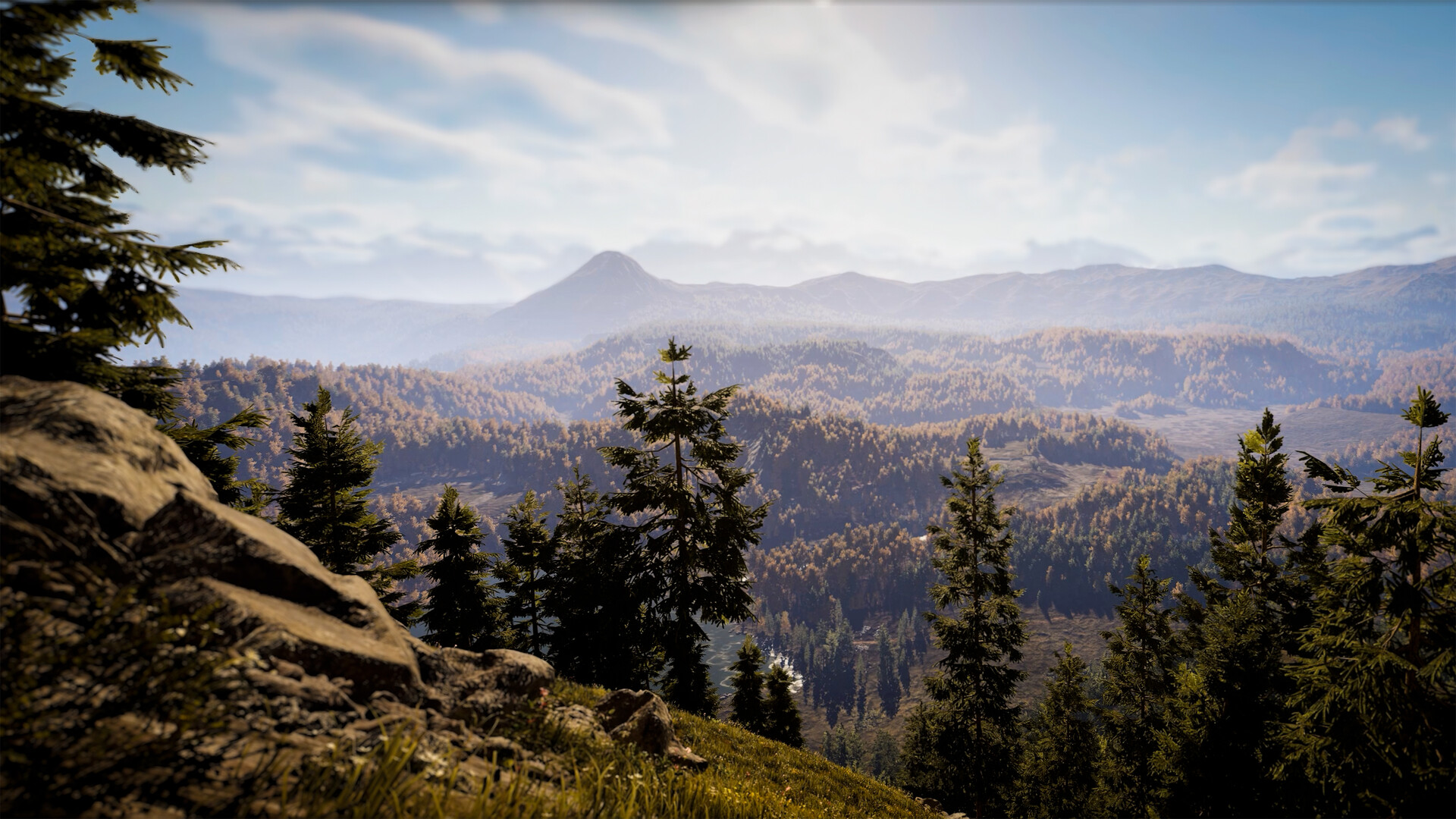
Colorado and Texas Are Your Launch Reserves
Hunting Simulator 3 has Colorado and Texas as its launch reserves, each offering approximately 100 km² to explore on foot or in an off-road vehicle. Use the hub helicopter to travel between maps; the table below compares their terrain, access and useful destinations.
Compare the Reserves, Access and Transport
| Reserve and terrain | Access, destinations and transport |
|---|---|
| Colorado: approximately 100 km² of forests and mountainous terrain. Wildlife includes Rocky Mountain Elk. | Finish or skip the tutorial, then select Colorado at the hub helicopter. The lodge is on your right after arrival; useful destinations include its armory loadout bench, upstairs wardrobe, garage key box and kennel through the garage door. Explore the reserve on foot or in an off-road vehicle. |
| Texas: approximately 100 km², including open plains. Wildlife includes Desert Mule Deer and Texas Whitetail Deer. | Use the hub helicopter to travel to Texas. Explore on foot or in an off-road vehicle, and discover the region's own missions as you travel through the reserve. |
Reach a Reserve From the Hub
- Finish or skip the tutorial before following the hub-helicopter route to Colorado.
- Select Colorado at the helicopter in the hub to travel to the reserve.
- Enter the lodge on your right after arrival to reach the armory loadout bench and prepare your hunting equipment.
- For an outing in Texas, use the hub helicopter to change reserves.
Prepare Before Committing to a Route
Buy the correct hunting license from the computer in your Hunting Lodge before harvesting your intended species. Without the correct license, you cannot receive a validated trophy. Check the recommended caliber icons for that species while preparing your equipment, so your destination and loadout suit the same hunting goal.
Plan an Outing With the Map and GPS
- Check the basic weather forecast in the in-game map before setting out. Use the upcoming conditions to help decide how you want to approach the outing.
- Review the feeding and resting areas you have marked on your map. Choose a discovered area as a destination to revisit and observe.
- Check wind direction on your GPS before approaching an animal. Choose an approach that avoids carrying your scent from your position toward the target.
- Hold the inspect input on a track to follow a specific animal. This gives you a trail to pursue as you move through the reserve.
- Use your dog's command wheel when you need tracking assistance. Your companion can help spot tracks and follow a trail.
- Identify your target through your binoculars before taking aim. Use the sighting to decide whether to continue the stalk or keep exploring.
Use Discovered Need Zones to Plan Return Trips
Mark feeding and resting areas as you discover them so you can return later. Animals have their own routines, and learning where they spend time can help you choose a useful destination. Treat those discoveries as places to investigate rather than guaranteed sightings or permanent spawn coordinates.
On a return trip, look for tracks and listen for animal sounds before committing to your previous route. Check the GPS wind direction again before closing in on a target, because scent travels with the wind. Let the clues you encounter guide the next part of your outing instead of following an old route regardless of what you find.
Map and Tracking Changes Since the Demo
The Steam Next Fest demo offered the starting HQ, shooting range and a restricted portion of Colorado. The full game's launch reserves are Colorado and Texas. If you are returning from the demo, plan your outing from the map in your installed game rather than treating the demo boundary as the extent of Colorado.
The launch update improved world-map clarity and vehicle handling. It also introduced holding the inspect input on a track to follow a specific animal. These changes matter when using older footage to learn navigation or tracking, so follow your game's current input prompts when an earlier demonstration differs.