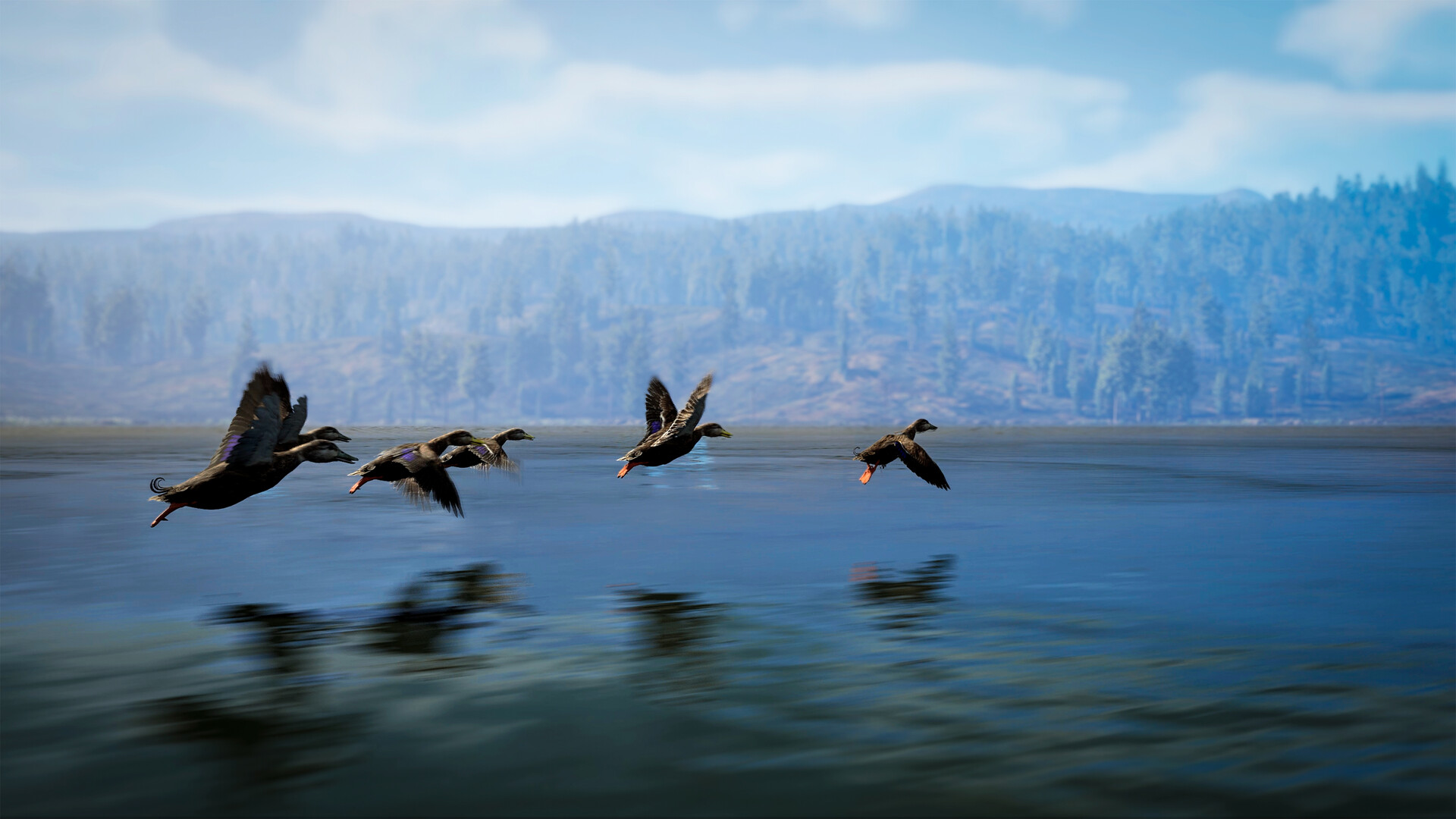
Start With the Pheasant Listing in Texas
The official Texas wildlife announcement lists Pheasant among the reserve's game birds. For your Common Pheasant search, identify birds in-game and mark feeding or resting areas you discover on your map.
Use the species name displayed in your game when recording a sighting, keeping the Texas announcement's Pheasant label in mind. Build your route around places where you observe activity, and check those places again when you return. Keep a sighting and a feeding or resting area separate in your notes so you remember what drew you to that location.
Record Feeding and Resting Areas as You Explore
Animal routines and resting areas can help you decide where to spend your search time. NACON's hunting guide recommends marking feeding and resting areas on your map so you can revisit them. When you spot a bird, pause to identify it before deciding whether the surrounding activity belongs on your pheasant route.
A useful personal note describes what you saw and how you found it: a bird identified through binoculars, a trail you followed, or feeding or resting activity you observed. Record your own observation time if that helps you compare visits. Treat each visit as another chance to learn the area rather than turning an isolated sighting into a fixed schedule.
Prepare the License, Weapon and Recovery Tools
Buy the correct hunting license from the computer in your Hunting Lodge before harvesting an animal; the correct license is required for a validated trophy. For pheasant hunting, use the species' recommended caliber icon to guide your equipment choice. Shotguns are recommended for small game and birds, but check the displayed recommendation before committing to your loadout.
Bring binoculars for identification and your hunting dog for tracking and recovery assistance. The dog can spot tracks, follow trails and retrieve small game, with orders issued through its command wheel. Familiarize yourself with that wheel before the hunt so you can use it when you need help finding or recovering your quarry.
Follow a Pheasant Search Through to Recovery
- Choose Texas as the starting reserve for this search, using its documented Pheasant listing to focus your exploration.
- Inspect a track you encounter by holding the inspect input shown in your game; this lets you follow a specific animal's trail.
- Check the wind direction on your GPS before approaching; avoid a route that carries your scent from you toward the animal.
- Identify a bird through your binoculars before taking aim, giving yourself the information needed to decide whether it belongs to your pheasant search.
- Mark an observed feeding or resting area on your map, creating a return point for a later search.
- Wait for a clear opportunity before firing, keeping the identified target in view instead of rushing an uncertain shot.
- Use your dog's command wheel for recovery assistance after the shot; the dog can help find wounded animals and retrieve small game.
Account for Changes Since the Demo
The full game released on October 29, 2026, with changes from the Steam Next Fest demo. Its launch changes include holding inspect to follow a specific animal and an audio adjustment that stops fowl making noise while hiding. When following an older demo or preview, use your current on-screen prompts and keep visual identification and tracking tools part of your search.
Make Difficult Trails Easier to Read
If you struggle to see tracks, adjust tracking-clue visibility through the difficulty settings. Your dog can also help with tracking when a trail becomes difficult to follow. Try the visibility adjustment on a trail you have already found so you can judge whether it makes the clues easier to read.